Glanceable by design
Drag widgets to the edge of your workspace, keep them on top, and carry on with the work that matters.
 Crypto HUDDesktop market layer
Market Compass, Quote Board, and Mint Tile stay visible where they help, without taking over your workspace.
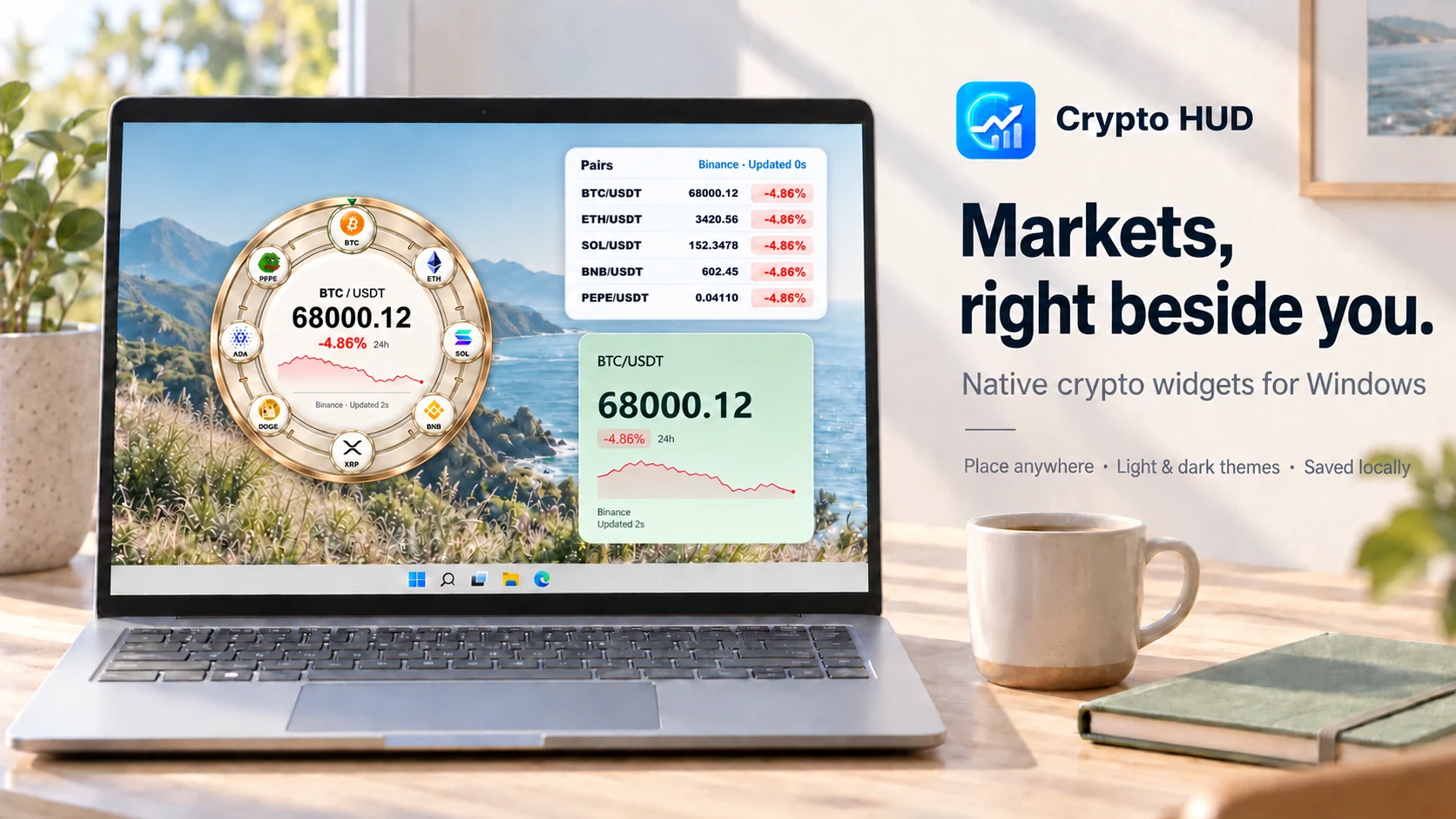
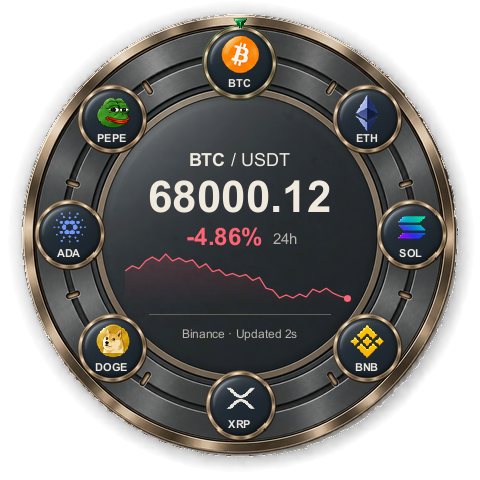
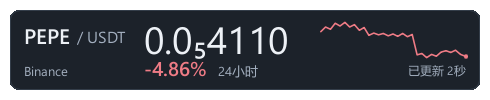
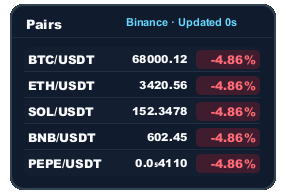
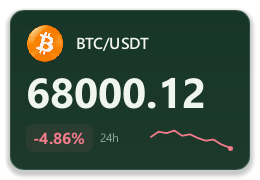
Crypto HUD keeps a few important prices visible without turning your desktop into a trading terminal.
Drag widgets to the edge of your workspace, keep them on top, and carry on with the work that matters.
Press Alt+C to hide or restore the entire HUD in one motion. Your layout returns exactly where you left it.
Built with Rust and Slint. No Electron, Tauri, WebView, or bundled browser runtime.
Choose themes, opacity, market colors, twelve interface languages, and locally loaded Slint widgets.
Crypto HUD reads public market information and stores layout preferences on your machine. It does not trade, connect to wallets, custody funds, or ask for private keys, seed phrases, exchange accounts, or API keys.
Bundled and custom widgets share one declarative contract for symbols, capabilities, themes, parameters, and previews—without handing plugins raw network or filesystem access.
Microsoft Store is the recommended way to install Crypto HUD. The portable build is also available as a standalone Windows x64 ZIP.
The portable ZIP is not Authenticode-signed, so Windows SmartScreen may warn. Its SHA-256 file detects file changes but does not authenticate the publisher.